
Key Takeaways: On Allen-Bradley Logix controllers (ControlLogix, CompactLogix), a major fault stops the program and puts the controller's OK/FAULT indication into a fault state. Every major fault has a Type and a Code (for example Type 4 = program fault, with codes for errors like an array subscript out of range).
Studio 5000's Controller Properties, Major Faults tab shows the record; recoverable faults can be cleared there or handled automatically by a fault routine, so a single bad array index does not have to stop the whole line.
The exact list is in Rockwell's fault-code documentation; the point is to read the pair (Type, Code) rather than treating "faulted" as one undifferentiated event.
For recoverable Type 4 faults, Logix lets each program have a fault routine: when the fault occurs, the routine runs, can log the event and clear the fault record, and execution continues. Used well, this converts a line-stopping crash into a logged event with an alarm.
Used badly, it silently swallows real problems, so ALWAYS log what was caught (the fault record data) somewhere a human reviews, and alarm on repeats. A controller-level fault handler program plays the same role for controller-scope faults.
Each major fault is a downtime event with a precise, machine-readable cause, which makes it premium input for reliability work if it leaves the PLC.
Record faults with their Type and Code in your CMMS work orders, review them in downtime analysis, and design your fault codes to name real causes rather than generic buckets.
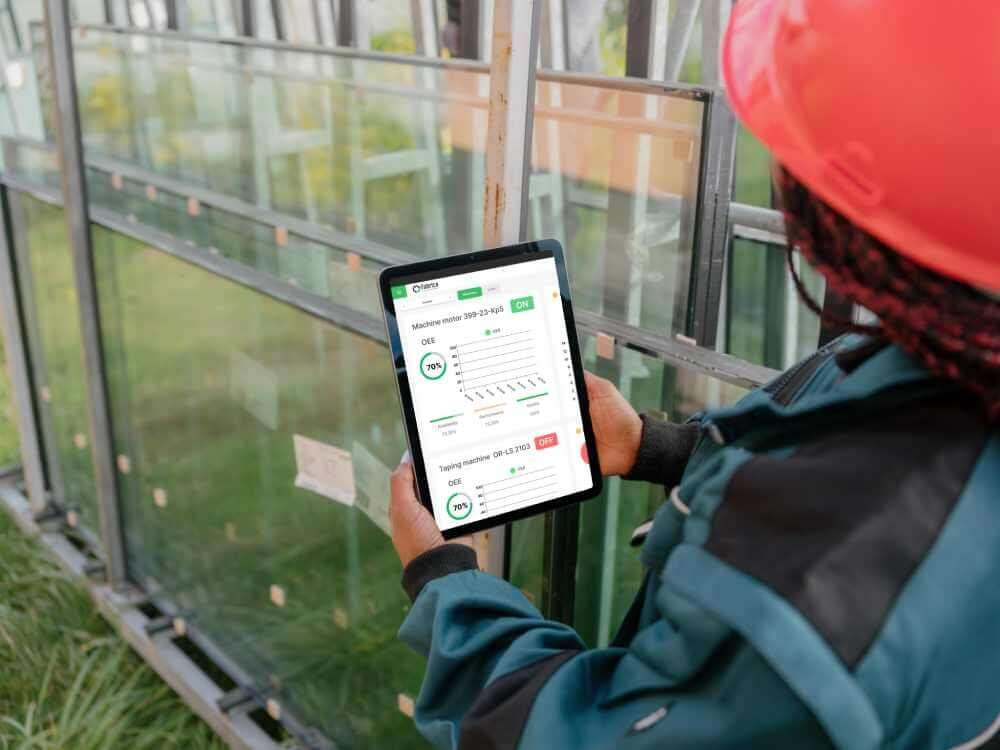
Fabrico ties this together on the floor: computer-vision-verified OEE captures the stop and its duration even when nobody logs it, and the built-in CMMS connects the fault to the fix, feeding honest MTTR and MTBF numbers. For the PLC-side design discipline, see our guide to PLC fault code design.
More drive fault-code guides: PowerFlex 525 fault codes, VFD overvoltage fault, Schneider Altivar and Danfoss VLT.
The pairs you will see most. Type 1 Code 1 is the power-up fault raised when the controller powers up in Run or Remote Run and the Power-Up Handler routine is empty. Type 4 Code 20 is an array subscript that is too large, or an invalid POS or LEN value in a CONTROL structure.
Type 4 codes 990 to 999 are user-defined faults that your own logic raised on purpose. Type 6 is a task watchdog timeout and Type 11 is a motion axis fault. Rockwell keeps the complete list in its Logix 5000 Controller Fault Codes spreadsheet.
Log the fault record from logic. A GSV instruction on the Program object's MajorFaultRecord attribute returns the fault type, code, timestamp and eight words of fault-specific information into a FAULTRECORD user-defined data type. Copy that into a small history array before any fault routine clears it, so the maintenance record keeps the exact Type and Code instead of a bare note that the PLC faulted.
Faults the moment you switch to Run. If the controller faults right after it switches to Run mode, look at prescan. On firmware revision 13.0 or later the controller automatically clears array subscript faults during prescan, while revision 11.x or earlier raises a major fault, so an old project on old firmware can fault on an uninitialized index before the logic runs normally.
What is the difference between a major and a minor fault?
A major fault stops program execution; a minor fault logs the condition and execution continues. The same root cause can be either, depending on configuration.
The fault clears but keeps coming back. Now what?
The cause is still live. Read the fault record's program and routine reference and fix the logic or connection it names; do not script automatic clears around an undiagnosed fault.
Should every program have a fault routine?
Programs where a recoverable data error should not stop the machine, yes, with logging and alarming. Safety-relevant logic follows its own standards and is never "cleared and continued" casually.
To see how verified stop capture and maintenance work orders turn PLC fault logs into reliability improvements, read how Fabrico tracks downtime.
Stop chasing this fault by hand. Fabrico logs each stop against the machine's history, so a repeating fault shows up before it becomes a hard line stop, and the team can open a prioritized work order with the stop itself captured on video wherever a camera covers the line.
Fabrico is software for OEE, downtime tracking and maintenance. We do not sell parts or repair services.










 Login
Login
 Blog
Blog